After the initial edit for this music video was locked, the director felt a storytelling element was missing. The idea of having Jim “play through his life” was born. This would connect the video-clip with the story it was supposed to tell!
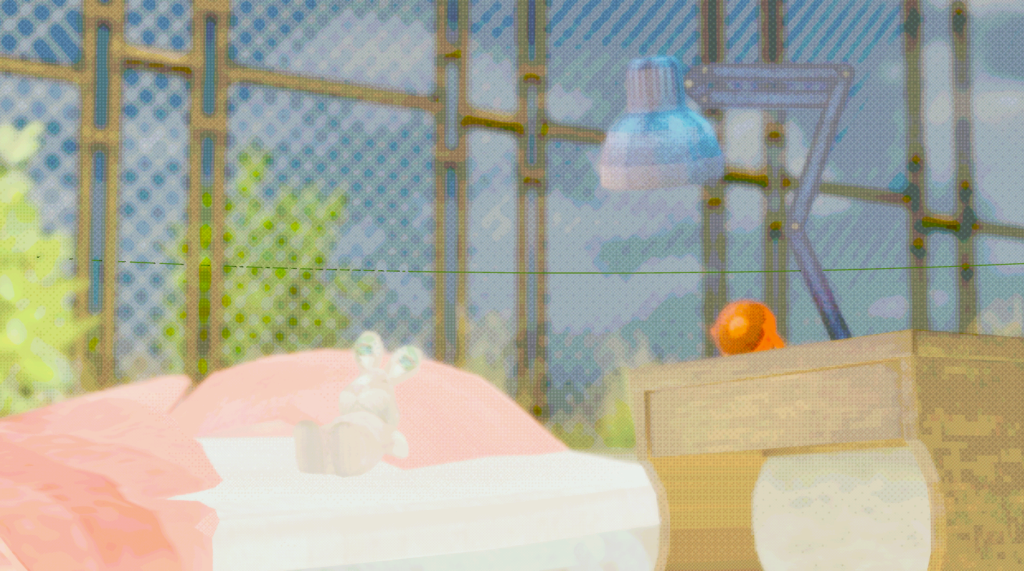
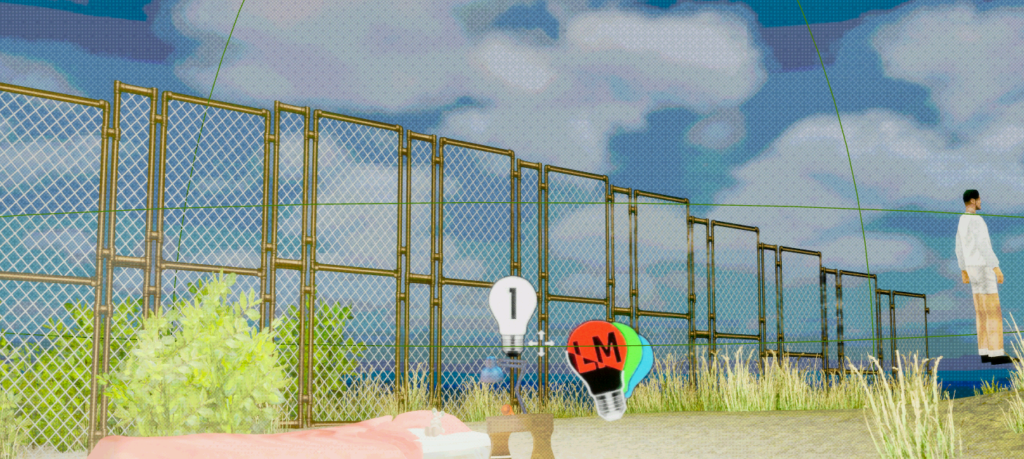
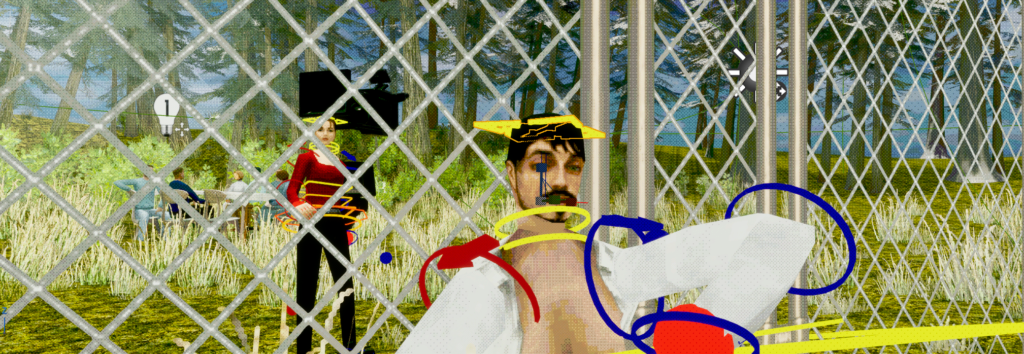
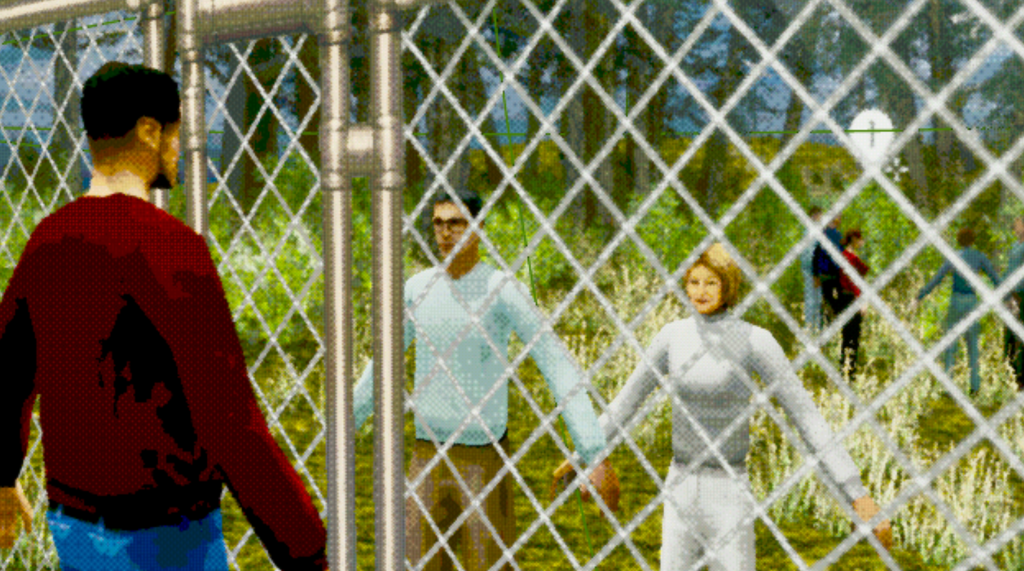
As the look is heavilly based on PSX style videogames i took a lot of time to compare references, See how those games where technically limited and check where and how we could recreate it. In this search i came across a library for unreal that i used as a base. On top of this a lot of creative decisions where made to keep the unreal scene as close to the “original” games as posible while keeping the silouettes and actions of the characters clear.
The scenes would be quite short. This meant that a lot of clipping textures or a bunch of moving noise would distract from the product and not set a clear view. Initially my system would do a distance-based remesh. witch works great in isolation! but when you get to see the scene for about 4 seconds it was too much nosie. Just turning down the draw distance removes a lot of detail but gets the same feel without the noise.
TEXT HERE
The animation
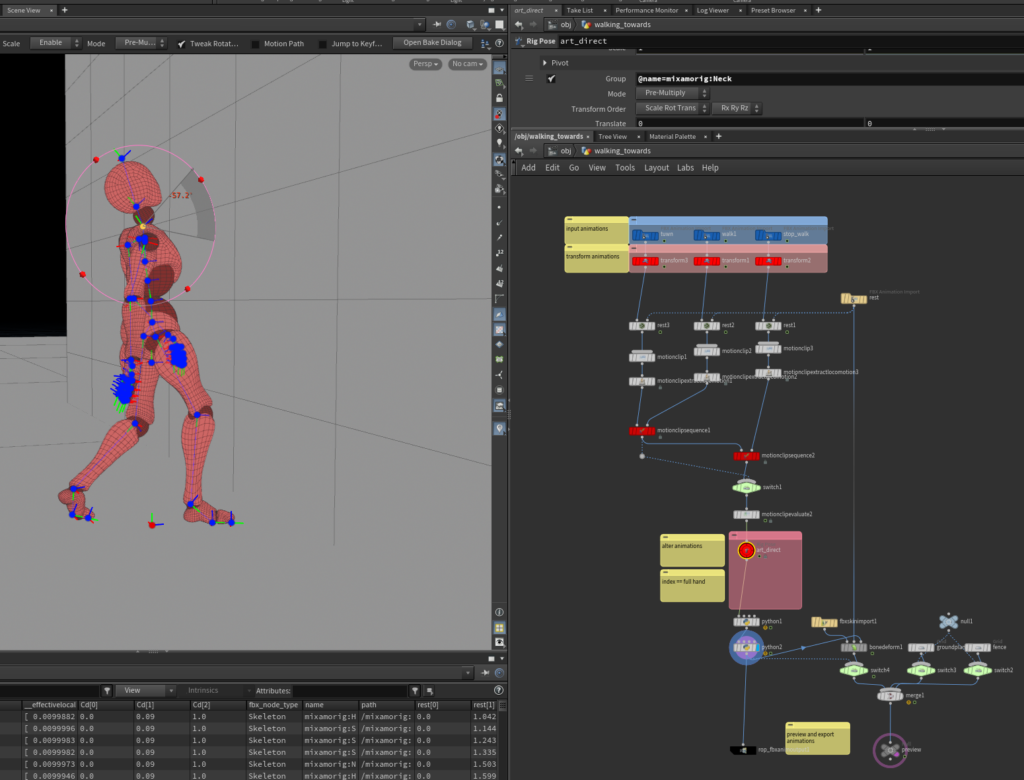
Most of the animation is driven by mixamo, Retargeting the animation to the skeleton was quite simple in premise but posed a challenge as i had not done this within unreal before. Initially i wanted to use houdini’s APEX rigging toolset. After building the library with custom retargeting and everythin this turned out to not be a great workflow. As going back and forth with riggs defeats the purpose of an “easy” library. After retargeting in unreal (and fighting with the root motion system) it ended up working.
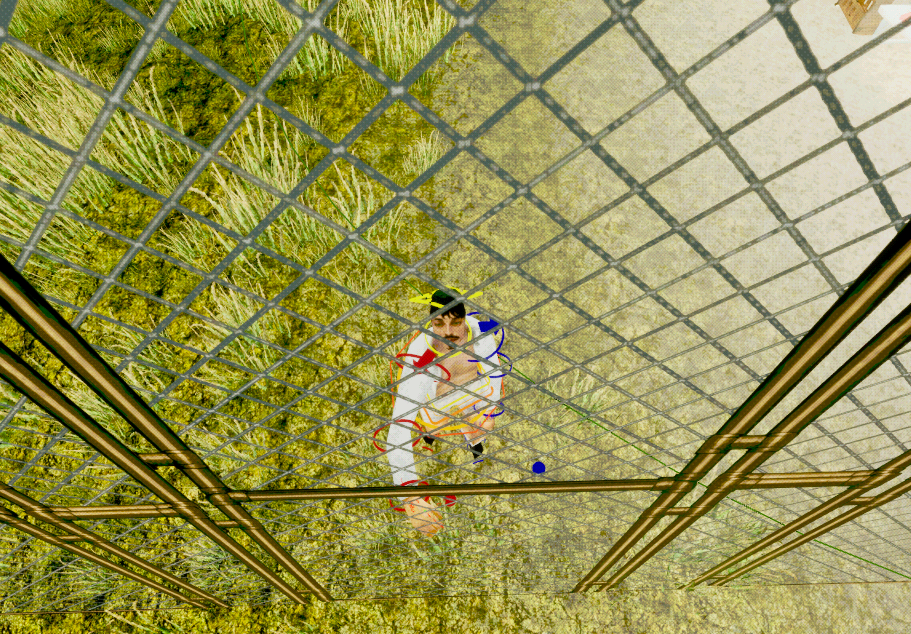
An interesting problem to solve. The mixamo animations did give a nice base but where not enaugh to convey emotion on their own. Knowing this and after ruling out the animation sequencer within unreal i opted for a custom animation sequencer using houdini. This would allow me to animate by hand on top of the animations i got from mixamo. Then i was able to export these animations to unreal and keep the pipeline simple!
The way to really convey emotion using this system was to use a base animation. Then in houdini have all the art-direction i could want and send it of to unreal. Here i made another layer of art direction to actually make characters interact or give them just that extra touch of emotion.
The Characters
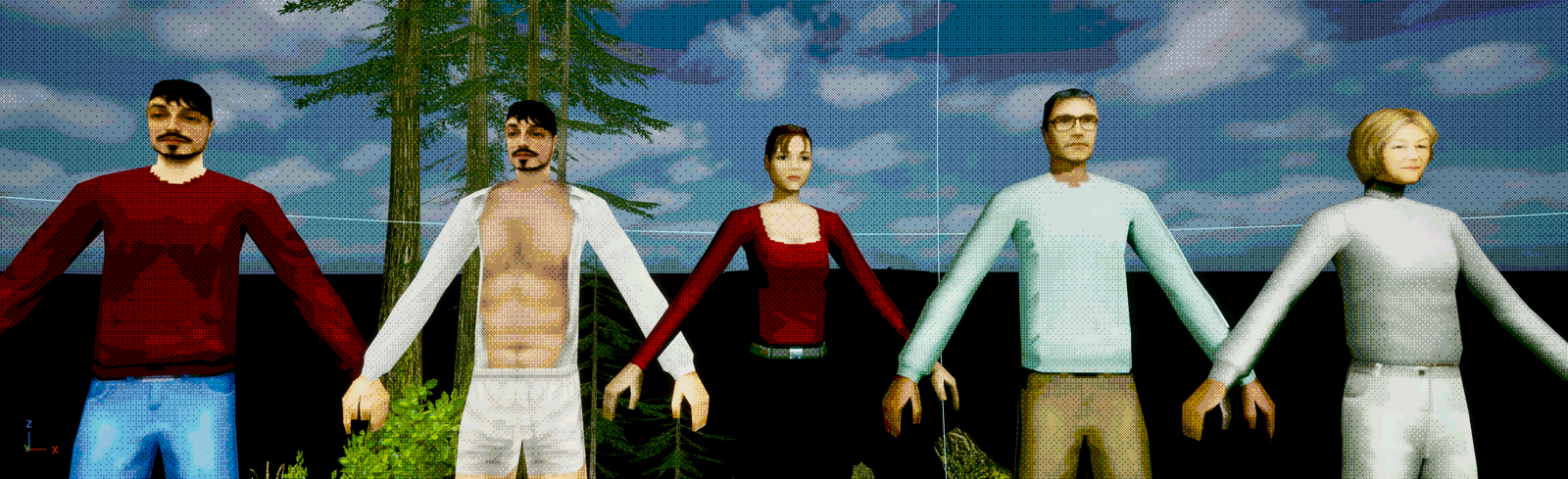
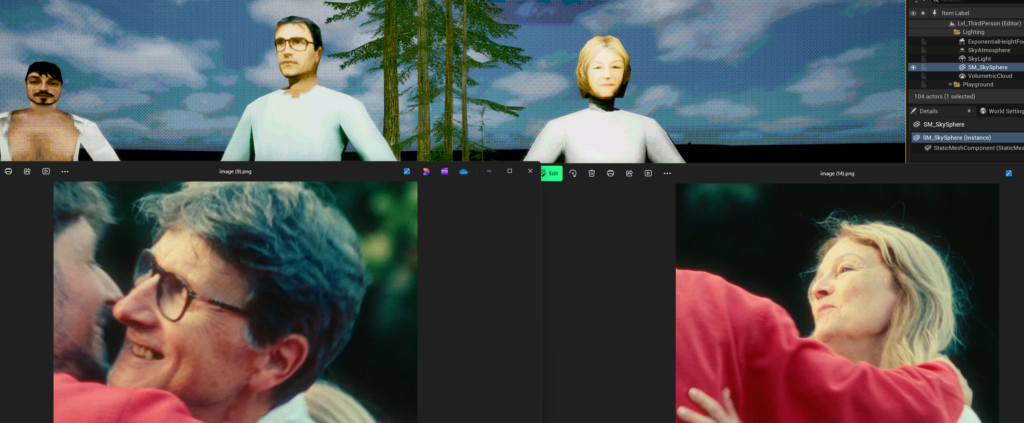
When creating the character atlases (mostly via photoshop) i combined image-bashing (using screenshots from the footage), drawing and a LOT of post-effects to get the stylized look while preserving the likeness of the actors involved.
The prominent characters are quite detailed. For the side-characters this was not needed. For them i just used Jim’s base and changed the color of the clothes to match the video.